

Your YouTube thumbnail is the very first visual element that potential viewers notice before they decide whether or not to watch your video. An attractive and well-designed thumbnail can significantly boost your Click-Through Rate (CTR), attracting more clicks and helping your content reach a much wider audience. The software or tool you choose to create your thumbnail plays a crucial role in determining how polished, professional, and visually appealing your design will appear to viewers.
In this detailed and comprehensive post, we will thoroughly compare and analyze some of the best free and paid YouTube thumbnail tools currently available on the market today, carefully highlighting their unique advantages as well as potential limitations. Our primary goal is to provide you with clear, insightful information that will assist you in making an informed decision about which tool best fits your specific workflow, creative preferences, and production needs. Whether you are a complete beginner just starting your journey into content creation or a seasoned professional content creator aiming to enhance your thumbnails and improve viewer engagement, this comprehensive guide is thoughtfully designed to help you make the most effective and well-informed choice possible for your YouTube channel.
Quick Decision Guide
- If your budget is under $10 per month, use free tools.
- If you need advanced features and templates, consider paid tools.
- If you create videos frequently, paid tools provide better efficiency and ROI.
Understanding Your Options
YouTube thumbnail design tools fall into two main categories:
Free Tools
- Basic online generators
- Free versions of premium tools
- Open-source software
- Limited features but great for beginners
Paid Tools
- Professional design software
- Premium online platforms
- Access to advanced templates and features
- Ideal for consistent and high-quality output
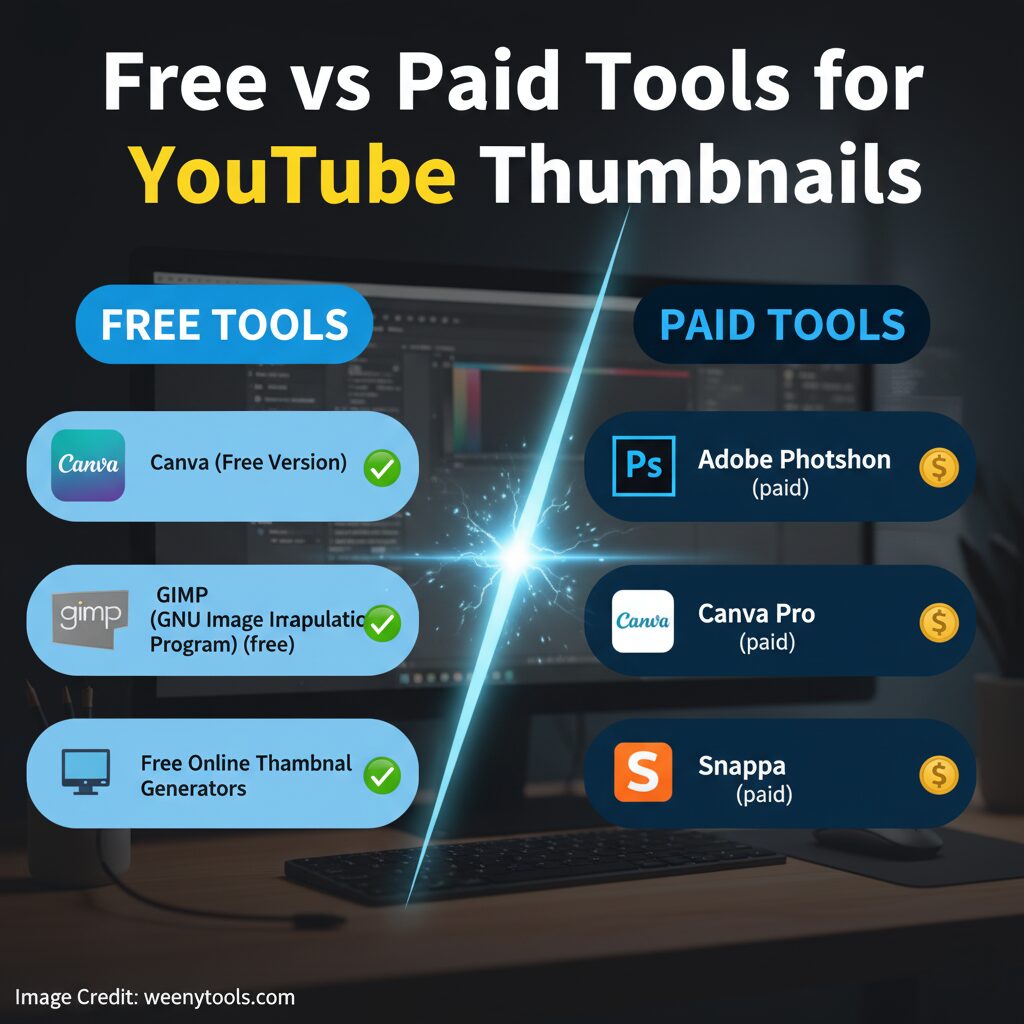
Free YouTube Thumbnail Tools
1. Canva (Free Version)
Canva’s free version provides users with an easy-to-use drag-and-drop interface, making design creation straightforward and accessible. It includes a wide selection of ready-to-use templates suitable for various projects, allowing users to quickly find a design that fits their needs. Additionally, the free version grants access to thousands of fonts and design elements, giving users plenty of options to customize their work. This platform is especially great for beginners who want to achieve fast, professional-looking results without a steep learning curve or complex tools.
2. GIMP
GIMP is a completely free and open-source software application that provides a wide range of powerful design features, closely comparable to those found in Adobe Photoshop. It is particularly well-suited for users who are comfortable navigating and working with more complex and advanced interfaces, making it an excellent choice for those looking to perform detailed image editing and graphic design without the cost.
3. Online Thumbnail Generators
There are many free online tools available that allow you to generate thumbnails instantly with great speed and convenience. These tools are designed to be fast and easy to use, making them a popular choice for quick thumbnail creation. However, while they offer simplicity and immediate results, the customization options provided by these tools tend to be quite limited and may not meet more advanced or specific design needs.
Paid YouTube Thumbnail Tools
1. Adobe Photoshop
The most powerful and highly versatile image editor currently available on the market, providing comprehensive and detailed control over layers, colors, and an extensive variety of effects. It stands out as the perfect and ideal choice for professional creators and artists who place a strong emphasis on precision, flexibility, and advanced customization throughout their creative projects and artistic endeavors.
2. Canva Pro
Includes all the features available in the free plan, along with access to an extensive and diverse collection of premium templates, fully customizable brand kits that allow you to tailor every detail to your unique style, and highly sophisticated advanced background removal tools designed to give your designs a professional edge. This plan is ideally suited for growing channels and collaborative teams who are looking to significantly elevate their content creation capabilities while also streamlining and simplifying their entire design process for greater efficiency and creativity.
3. Snappa
This is a browser-based tool specifically designed to help users create stunning and visually appealing social media graphics with remarkable ease. It boasts an incredibly user-friendly interface that allows even beginners to navigate it effortlessly. In addition to its simplicity, the tool is known for its fast performance, enabling users to produce high-quality designs quickly without any delays. Moreover, it is highly cost-effective, making it an ideal solution for individuals and businesses looking to generate consistent, professional, and eye-catching thumbnails on a regular basis without breaking the bank.
Comprehensive Comparison Table
| Tool | Price | Ease of Use | Features | Templates | Best For |
|---|---|---|---|---|---|
| Canva Free | Free | ⭐⭐⭐⭐⭐ | ⭐⭐⭐ | ⭐⭐⭐⭐ | Beginners |
| GIMP | Free | ⭐⭐ | ⭐⭐⭐⭐⭐ | ⭐ | Advanced Users |
| Online Generators | Free | ⭐⭐⭐⭐⭐ | ⭐⭐ | ⭐⭐ | Quick Tasks |
| Photoshop | $22.99/mo | ⭐⭐ | ⭐⭐⭐⭐⭐ | ⭐ | Professionals |
| Canva Pro | $14.99/mo | ⭐⭐⭐⭐⭐ | ⭐⭐⭐⭐ | ⭐⭐⭐⭐⭐ | Content Creators |
| Snappa | $10/mo | ⭐⭐⭐⭐ | ⭐⭐⭐ | ⭐⭐⭐ | Social Media |
Making the Right Choice
Use Free Tools If:
- You are starting your channel and want to test ideas.
- You create thumbnails occasionally.
- Your designs are simple and quick.
Use Paid Tools If:
- You publish videos regularly.
- You want consistent branding and professional visuals.
- You need to save time with templates and automation.
ROI and Time Efficiency
High-quality thumbnails have the potential to increase your click-through rate (CTR) by approximately 2 to 3 percent. Even a seemingly small improvement in this metric can result in gaining thousands of additional views each month. This increase in views can significantly boost your overall engagement and visibility on the platform.
- Free tools may take 30–60 minutes per thumbnail.
- Paid tools reduce it to 10–20 minutes.
- With experience, professionals can do it in 5–15 minutes.
Creator Type Recommendations
New Creators
Start with Canva Free, a versatile and user-friendly design platform that offers a wide range of customizable templates perfect for creating eye-catching thumbnails. Alternatively, explore various free thumbnail tools available on WeenyTools, which provide easy and efficient ways to download, edit, and enhance your thumbnails without any cost.
Growing Creators
Try using Canva Pro or Snappa to achieve much higher quality results and enjoy faster performance when working on your design projects. Both of these powerful tools provide a wide range of enhanced features that can greatly improve your overall workflow, increase your productivity, and elevate the quality of your final output to a professional level.
Professional Creators
Use Photoshop to take advantage of its powerful features, or consider combining several different paid tools together to achieve an even higher level of control and ensure the best possible output and quality for all your creative projects.
Ready to Create Better Thumbnails?
Analyze what works best in your specific niche and apply those successful ideas effectively using our free and easy-to-use YouTube Thumbnail Downloader. You can quickly download thumbnails from popular videos, carefully study the different design styles and elements, and begin enhancing your click-through rate (CTR) right away. Don’t miss out on this opportunity to Download Thumbnails for Analysis and access other useful resources that can help boost your channel’s performance.

