Your YouTube Thumbnail CTR (Click-Through Rate) is one of the strongest indicators of your video’s success. It shows how many viewers chose to click on your video after seeing its thumbnail and title. While titles, tags, and descriptions are important, the thumbnail is the single most powerful factor that drives clicks. It’s the first thing people see, and it often decides whether they’ll watch your video or scroll past it.
A well-designed thumbnail does more than attract attention, it builds curiosity and sets the tone for your content. Viewers make decisions in seconds, and your thumbnail gives them that instant reason to click. Think of it as your video’s visual handshake, inviting people to explore what you’ve created.
Research shows that 90% of the top-performing videos on YouTube use custom thumbnails instead of the ones automatically generated by YouTube. These thumbnails are strategically designed, visually clear, and aligned with the video’s message. According to multiple YouTube marketing studies, a professional, custom thumbnail can increase your CTR by up to 150%. That’s the difference between an average-performing video and one that gains massive traction.
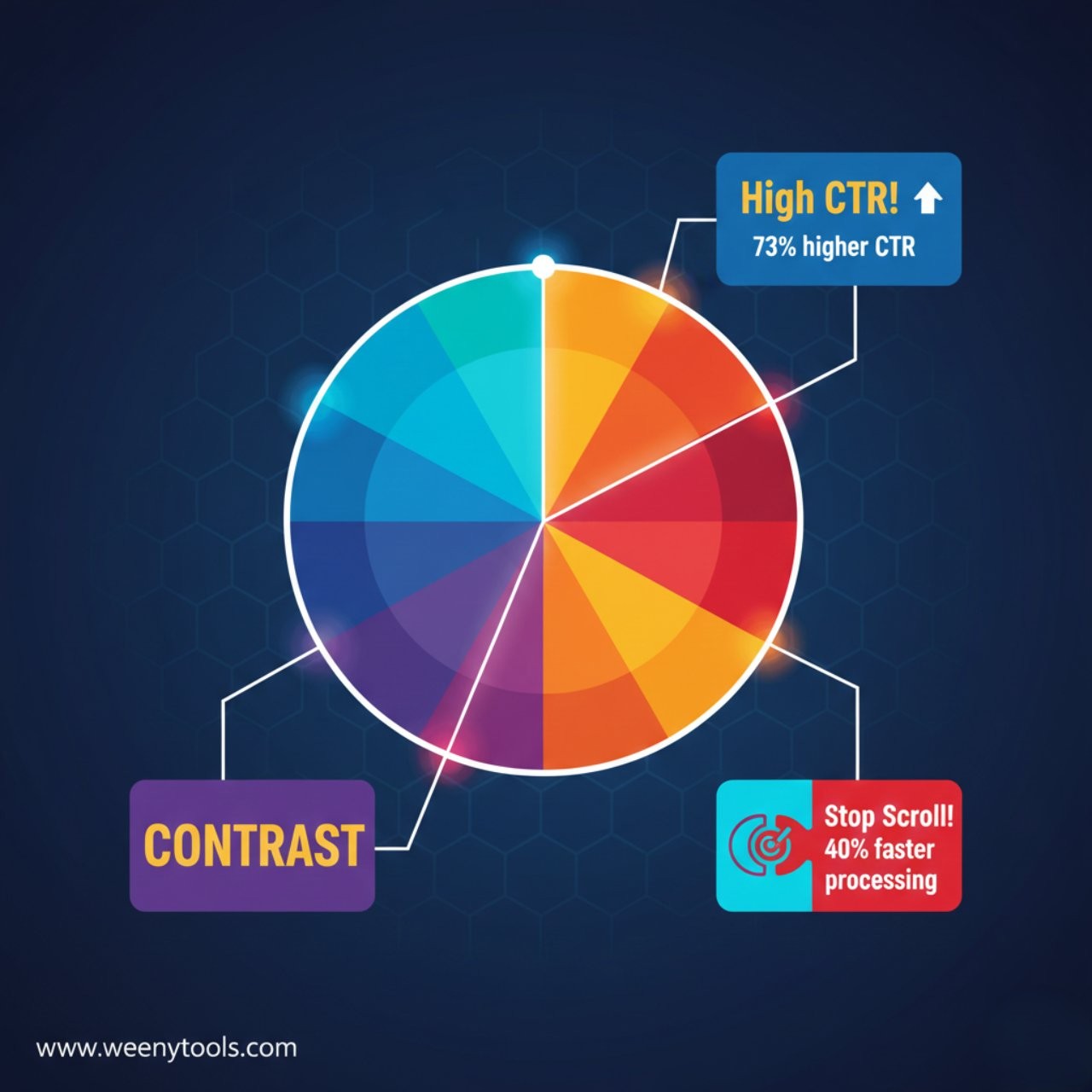
High CTR videos don’t just get more views, they perform better across YouTube’s algorithm. When your CTR increases, YouTube pushes your content to more people through recommendations, search results, and home feeds. This creates a positive feedback loop where more impressions lead to more clicks, more watch time, and better visibility.
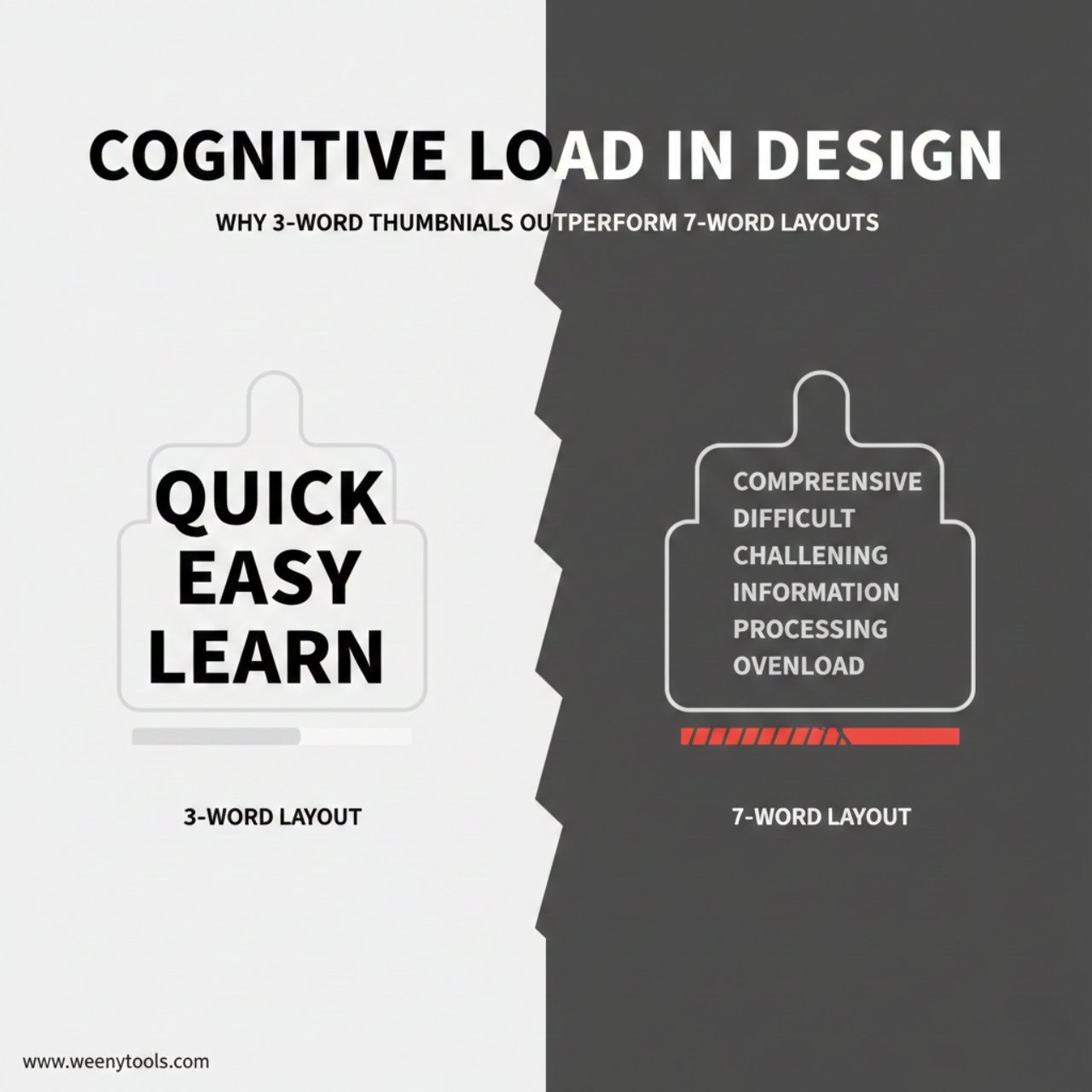
To improve your CTR, focus on clarity, emotion, and design. Use expressive faces, bold readable text, and high contrast colors that pop even on mobile devices. Avoid clutter or excessive text. Every element in your thumbnail should help viewers understand what your video offers.
A custom thumbnail isn’t just decoration, it’s a strategic marketing tool that directly impacts your growth. When done right, it can turn casual scrollers into engaged viewers and loyal subscribers.
Want to experiment with your own video thumbnails? Try using our YouTube Thumbnail Downloader to analyze and download thumbnails from top-performing videos. Study their design patterns, learn what works, and create your own optimized visuals.
Your thumbnail is your video’s first impression. Make it count.
Key Insight: An impressive 90% of the highest-performing YouTube videos consistently utilize custom thumbnails. These carefully crafted and visually appealing thumbnails have the potential to significantly boost the click-through rate (CTR) by more than 150%, making them a crucial element in attracting and engaging viewers effectively.
Understanding YouTube CTR and Its Importance
YouTube CTR measures how many people click your video after seeing its thumbnail and title. The formula is simple:
CTR = (Clicks ÷ Impressions) × 100
Example: 500 clicks from 10,000 impressions = 5% CTR.
Note: YouTube counts impressions only when thumbnails are visible for at least one second and 50% of the screen.

Why CTR Matters
- Boosts video visibility in search results
- Increases reach through YouTube’s recommendation system
- Improves subscriber conversion rates
- Enhances overall channel growth
How Thumbnail Design Impacts CTR
Thumbnails serve as the very first visual cue that plays a crucial role in helping viewers decide whether or not to watch your content. A well-crafted thumbnail with high-quality design elements, clear and expressive emotional cues, and overall visual clarity can significantly influence your click-through rate (CTR) performance. These factors work together to capture attention quickly and encourage potential viewers to engage with your content.
High-Impact Thumbnail Components
Visual Hierarchy
- Clear focus on the main subject
- Strong color contrast for visibility
- Readable text placement
- Simple composition that guides attention
Emotional Triggers
- Strong facial expressions
- Curiosity-driven visuals
- Before-and-after effects
- Storytelling elements that hint at value
CTR Performance by Thumbnail Type
| Thumbnail Type | Average CTR | Best For | Key Elements |
|---|---|---|---|
| Face + Emotion | 8–12% | Vlogs, Reactions | Expressive faces, direct eye contact |
| Text + Graphics | 6–9% | Tutorials, How-To Videos | Bold fonts, clear graphics |
| Product Focus | 5–8% | Reviews, Unboxings | Clean product shots |
| Auto-Generated | 2–4% | Not Recommended | Random frames |
YouTube Algorithm and CTR Relationship
YouTube tends to promote videos that have higher click-through rates (CTRs) more frequently within its recommendations and search results. By gaining a deeper understanding of this important connection, you can strategically plan and create content that the algorithm favors and prioritizes. This knowledge allows you to optimize your videos to attract more viewers and increase your channel’s visibility on the platform.
How the Algorithm Uses CTR
- Initial Testing: YouTube shows your video to a small audience to test CTR.
- Performance Review: CTR is compared against similar videos.
- Boost Phase: High CTR videos get wider visibility.
- Ongoing Monitoring: CTR trends affect continued promotion.
CTR Benchmarks by Category
- High CTR Niches: Entertainment (8–15%), Gaming (7–12%), Comedy (9–14%)
- Medium CTR Niches: Education (4–8%), How-To (5–9%), Tech (4–7%)
- Challenging Niches: News (2–5%), Documentaries (3–6%), Academic (2–4%)
Optimization Strategies for Higher CTR
A/B Testing Your Thumbnails
Experiment with a variety of thumbnail styles and closely monitor their performance over a period of 48 to 72 hours. This approach will help you identify which designs resonate most effectively with your audience, allowing you to optimize your content presentation for better engagement and results.
- Change one design element per test
- Compare colors, text, or subject placement
- Record data and adjust based on analytics
Mobile Optimization
Over 70% of all YouTube views are generated from mobile devices. It is essential to ensure that your thumbnails remain clear, eye-catching, and effective even when displayed on smaller screens such as smartphones and tablets. Keeping this in mind will help you capture the attention of viewers who primarily watch videos on mobile platforms.
- Use large, legible text
- Maintain contrast for visibility
- Test at 156×88 pixels for real display results
- Ensure readability on both light and dark modes
Conclusion
Thumbnails are much more than just simple visuals; they serve as powerful performance drivers that can significantly impact your content’s success. Implementing a well-thought-out and strong thumbnail strategy can greatly improve your click-through rate (CTR), enhance viewer engagement, and solidify your YouTube channel’s overall brand identity in a competitive space. It is essential to continuously refine your design approach, conduct regular testing to see what resonates best with your audience, and maintain a consistent focus on delivering meaningful value through your thumbnails.
🎯 Ready to Boost Your CTR?
Use our YouTube Thumbnail Downloader to analyze, download, and study thumbnails from top-performing videos.
Need help or have a question? Visit our Contact Page or learn more About Us.
For more information, read our Privacy Policy, Terms, Disclaimer, and DMCA Policy.