Success on YouTube isn’t just about great lighting or a fancy camera. It starts before a single second of your video is played. It starts with the “entryway” to your content. If you want to know how to make a YouTube thumbnail that gets clicks, you’ve come to the right place. In 2026, the competition for attention is fiercer than ever, and a generic, auto-generated thumbnail simply won’t cut it anymore.
Your thumbnail and title work together as a sales pitch. If the thumbnail fails to grab the eye in under 1.8 seconds, the viewer scrolls right past. Understanding the psychology of why people click is the secret to growing your channel. Whether you are using a YouTube thumbnail downloader to study competitors or designing from scratch, these principles remain the same.
1. Master the Technical Specs First
Before we talk about “pop” and “emotion,” you must ensure your image actually displays correctly. If your thumbnail is blurry or has black bars, viewers will assume your video is low quality too.
| Specification | Requirement |
|---|---|
| Ideal Resolution | 1280 x 720 pixels |
| Aspect Ratio | 16:9 |
| File Format | JPG, PNG, or GIF |
| Maximum File Size | 2MB |
For a deeper dive into these numbers, check out our pro design guide on thumbnail sizes.
2. Use Faces to Build Human Connection
Our brains are hardwired to look at faces. In fact, eye-tracking studies show that thumbnails with faces get significantly more clicks than those without. However, in 2026, the “exaggerated shock face” is being replaced by more authentic, readable emotions.
The Power of Real Emotion
Instead of just opening your mouth wide, try to convey a specific feeling that matches the video. Are you surprised? Frustrated? Excited? Authentic human expressions build trust. Ensure the face is large and clearly lit. If your background is busy, try blurring it slightly so your face “pops” forward.
3. The Rule of Three: Keep it Simple
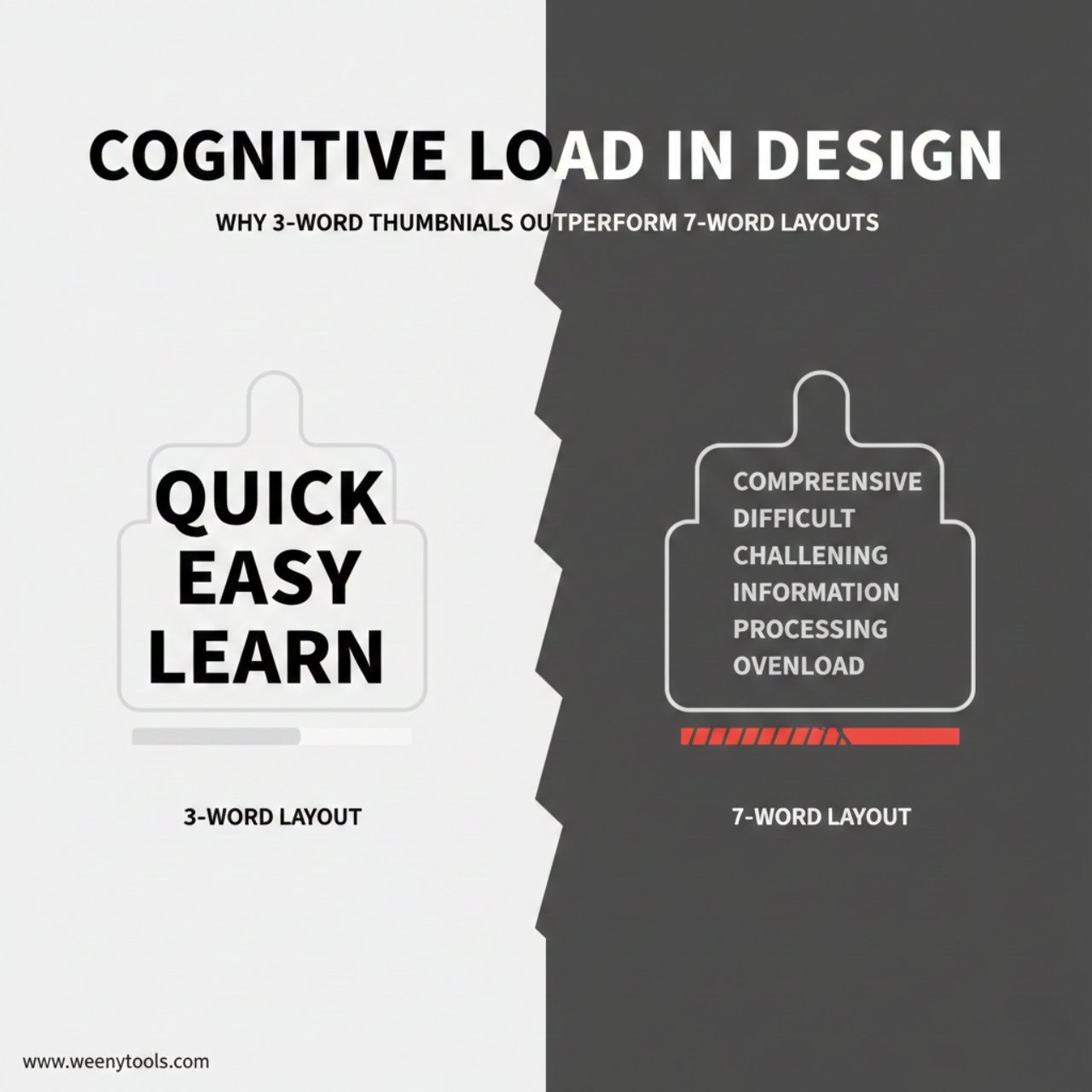
One of the biggest thumbnail mistakes to avoid is clutter. When people scroll on mobile, your thumbnail is the size of a postage stamp. If you have five lines of text and ten small objects in the image, nobody can see anything.
The “Rule of Three” for Thumbnails:
- The Subject: A face, a product, or a central character.
- The Hook: A visual element that creates curiosity (like an arrow or a “before vs. after”).
- The Text: 3 to 4 words maximum that tease the viewer.
4. Colors and Contrast That “Stop the Scroll”
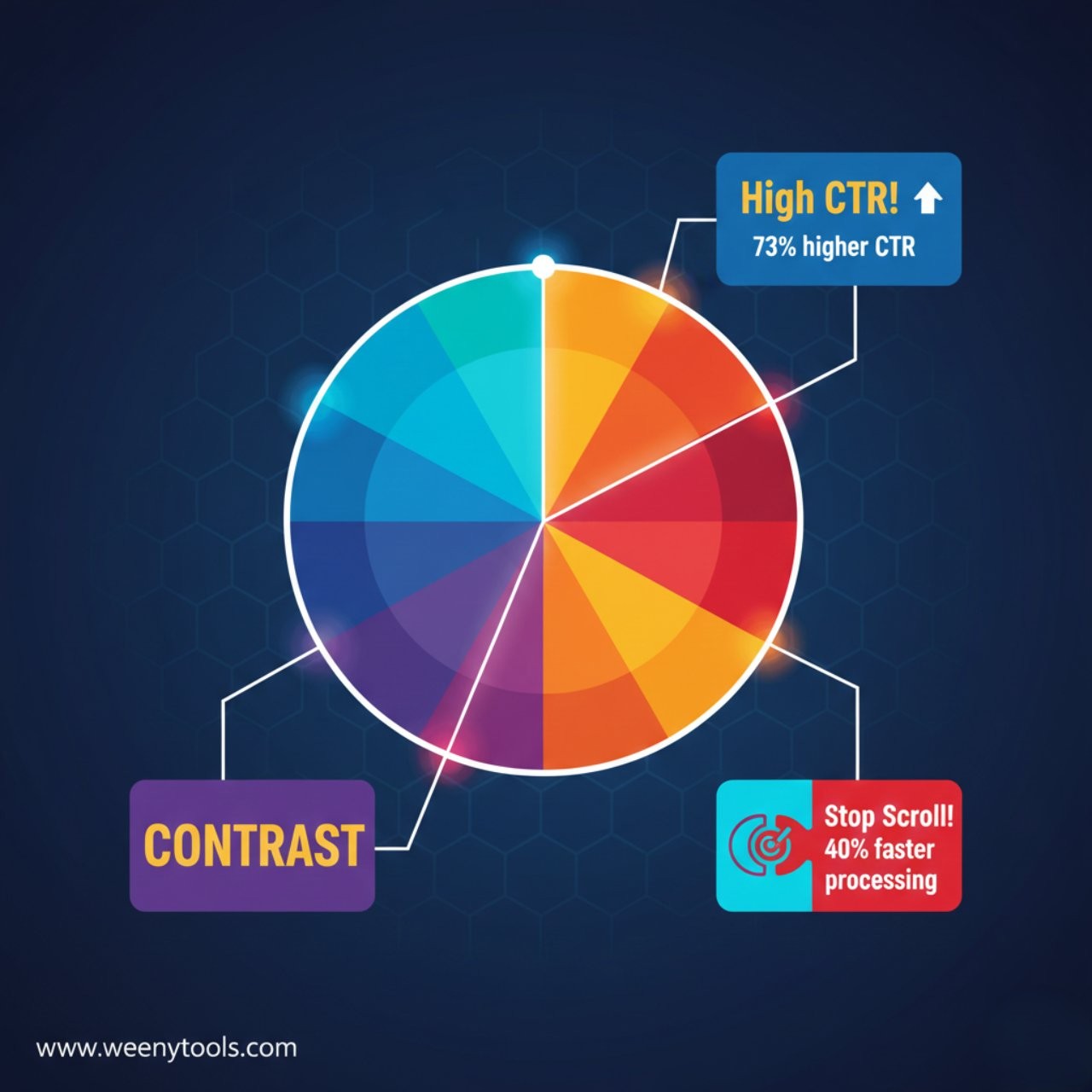
YouTube’s interface is mostly white, black, and red. To stand out, you need colors that contrast with that palette. Bright yellows, greens, and vibrant blues often perform well.
High contrast is also vital for mobile users. If your text is dark blue on a black background, it’s invisible. Try using white or yellow text with a heavy black drop shadow or outline. This ensures readability regardless of what is happening in the background image.

5. Curiosity Gaps: The Secret to High CTR
Click-through rate (CTR) is king. You increase it by creating a “Curiosity Gap.” This is the space between what a viewer knows and what they want to know. If your thumbnail tells the whole story, there’s no reason to click.
Example:
Poor: “How I built this table.”
Great: “The Secret Wood I Used…” (showing a mysterious, glowing piece of wood).
If you’re struggling with CTR, you might want to learn how thumbnails affect your YouTube CTR in more detail.
6. Consistency and Branding
When someone sees your thumbnail, they should eventually be able to recognize it’s your video before they even see your channel name. This is called “Visual Branding.” Use the same 1-2 fonts and a consistent color scheme. Over time, this builds authority and makes your loyal fans click immediately when you appear in their “Suggested” feed.
7. Essential Tools for Success
You don’t need to be a graphic designer to make great thumbnails. There are many thumbnail editing tools available today.
- Canva: Excellent for beginners with thousands of templates.
- Adobe Express: Great for high-quality branding.
- WeenyTools: Use our YouTube Thumbnail Downloader to save the thumbnails of top creators in your niche. Study their font sizes, color choices, and composition to improve your own designs!
Frequently Asked Questions
Should I put text on my thumbnail?
Yes, but keep it minimal. Use 3-5 bold words that complement your title, don’t repeat it. The text should act as a “hook.”Is the “Shock Face” still effective in 2026?
Faces are still effective, but “over-the-top” clickbait faces are losing power. Viewers now prefer high-quality, authentic emotional reactions that actually represent the video’s mood.Does a better thumbnail really help with the algorithm?
Absolutely. The YouTube algorithm follows the audience. If people click your thumbnail and stay to watch, the algorithm will suggest your video to more people. High CTR is the first step to going viral.Can I change my thumbnail after I upload?
Yes! In fact, many top creators A/B test their thumbnails. If a video is performing poorly after 24 hours, try swapping the thumbnail for a new design and see if the CTR improves.
Ready to start growing? Don’t forget to visit our About or Contact pages if you have any questions. Check out our Privacy Policy and Terms for more info on how we help creators every day!