The WeenyTools YouTube Thumbnail Downloader is a simple, fast, and reliable way to download YouTube thumbnails in high quality. Whether you are a content creator studying thumbnail designs, a marketer analyzing competitors, or simply someone who wants to save an image you liked, this free online tool helps you get the job done quickly.
This guide walks you through every step of using the tool, from copying the video URL to saving thumbnails in multiple resolutions. No login or technical skills required, only a browser and the video link.
What is WeenyTools YouTube Thumbnail Downloader?
The WeenyTools YouTube Thumbnail Downloader is a completely free and easy-to-use online service that allows you to quickly and effortlessly grab high-quality thumbnails from any YouTube video you choose. Unlike many other thumbnail downloader tools available on the internet, this service requires absolutely no registration, no installation of software, and can be used conveniently on both mobile devices and desktop computers without any hassle or restrictions.
Key Benefits:
- Free forever, no hidden limits
- Instant access, no sign-up required
- Download original YouTube thumbnail quality
- Choose from multiple resolutions
- Fast and safe process
- Mobile and tablet compatible
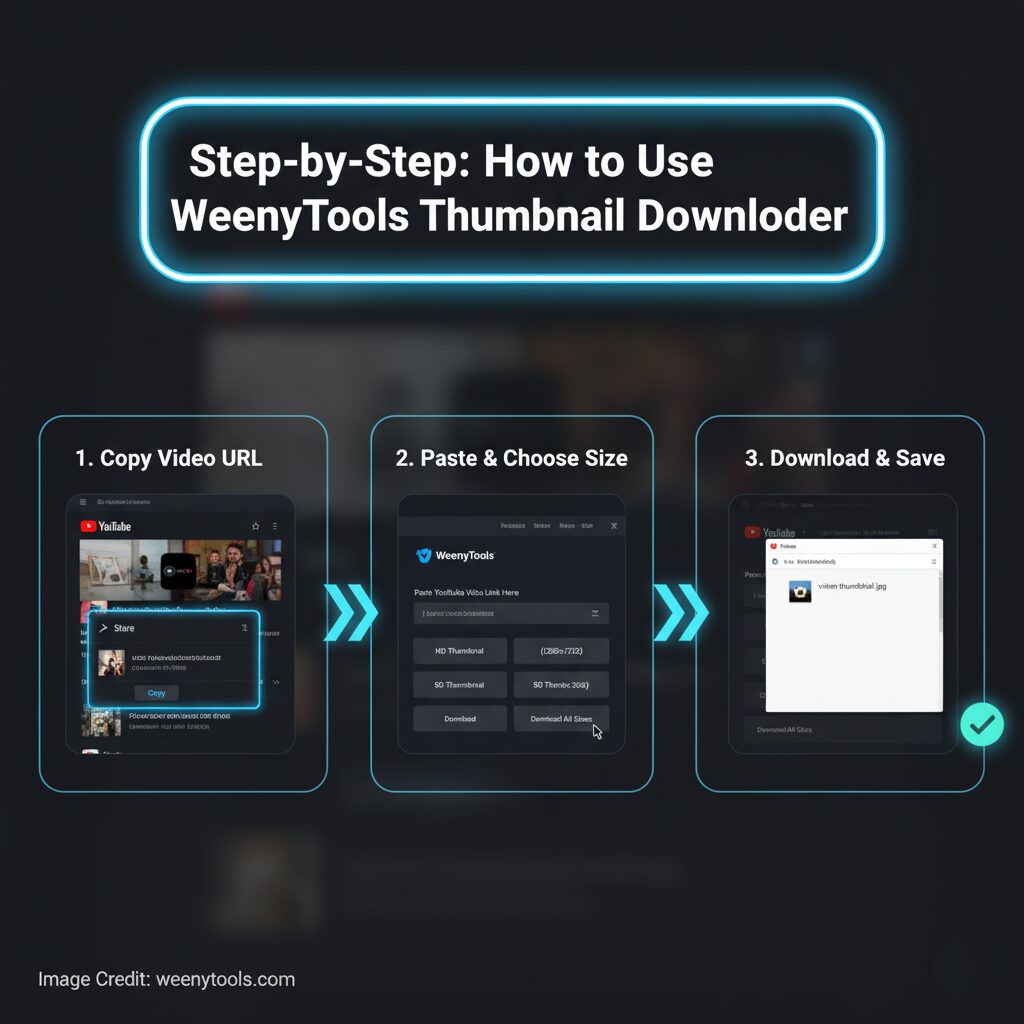
Step-by-Step: How to Use the Tool
Step 1: Visit the Downloader Page
Open your browser and go to WeenyTools YouTube Thumbnail Downloader. You will see a clean layout with an input field and instructions.
Step 2: Find a YouTube Video
Go to YouTube and open the video whose thumbnail you want to download. You can use any public video, including your own or someone else’s content for research or inspiration.
Step 3: Copy the Video URL
Copy the video URL from the address bar. You can right-click and choose “Copy,” or press Ctrl+C (Windows) or Cmd+C (Mac). You can also copy from the Share button on YouTube.
Step 4: Paste the URL into the Tool
Go back to the WeenyTools downloader page. Paste the copied YouTube URL into the input box and click “Get Thumbnail.”
It supports all formats including youtube.com/watch?v=, youtu.be/, and mobile URLs.
Step 5: Generate and Preview Thumbnails
After you click the button, the tool will immediately and automatically display all the available thumbnail sizes for you to choose from. You will be presented with options including small, medium, high, and maximum resolution images, each accompanied by convenient download buttons to make saving them quick and easy.
Step 6: Download Your Chosen Thumbnail
Click the “Download” button under the resolution you prefer. The image will open in a new tab so you can right-click and save it directly to your device.
Alternative Method: Use Only Video ID
If you don’t have the full link, you can use just the YouTube video ID. For example, in this URL:
The video ID is abc123xyz. Paste that ID directly into the tool, and it will work the same way.
Tips for Best Results
Choosing the Right Size
- For websites: use medium (320×180) or high (480×360) thumbnails
- For analysis: choose maximum (1280×720) resolution
- For mobile sharing: small size works best for quick previews
Quality and Format
- Original image quality preserved
- No compression or loss during download
- Files are usually saved in JPG format
Common Use Cases
For Content Creators
- Study trending thumbnail styles
- Save and organize your own designs
- Compare visual strategies of top channels
For Marketers and Researchers
- Analyze industry trends
- Prepare case studies and presentations
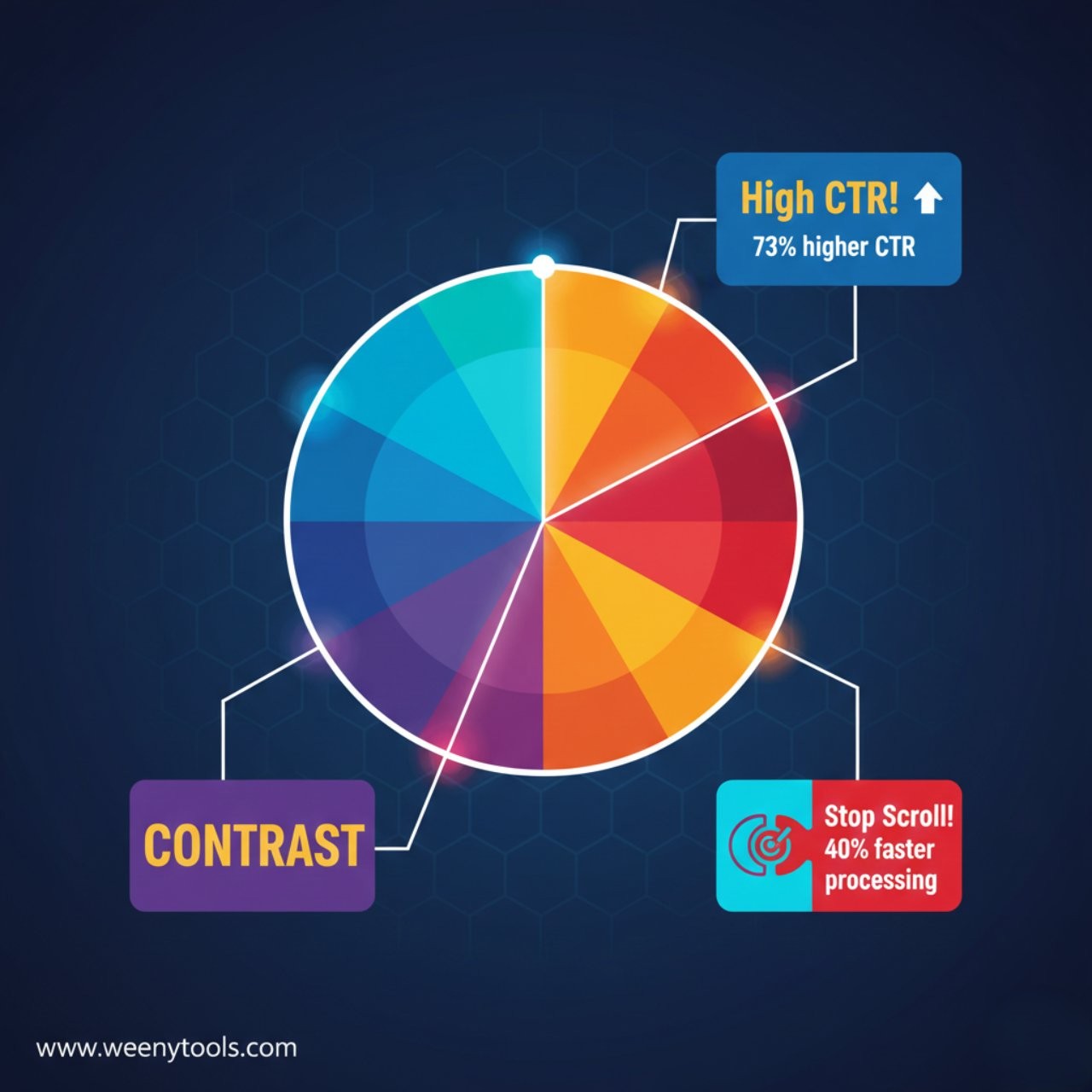
- Understand how visuals affect CTR (Click-Through Rate)
For Designers and Developers
- Collect creative inspiration
- Create mockups or UI previews
- Build visual reference boards
Frequently Asked Questions (FAQs)
Is WeenyTools YouTube Thumbnail Downloader free?
Yes, it is absolutely 100% free to use. You don’t need to create an account or provide any personal information, and there are no hidden fees or charges of any kind. You have the ability to download unlimited thumbnails at any time, whenever you want, without any restrictions or limitations.
Can I use it on mobile?
Yes, the tool is fully compatible with a wide range of devices including phones, tablets, and desktop computers. Its design is responsive and automatically adapts to fit your screen size perfectly, ensuring an optimal user experience no matter what device you are using.
Can I download thumbnails from private videos?
No, only videos that are set to public or unlisted can be accessed by viewers. Videos marked as private are not accessible unless you have explicit permission from the owner. Private videos require the owner to grant access before anyone else can view them.
Why do some images look blurry?
If the original image uploaded was of low resolution, the resulting thumbnail image will also appear in the same low quality and lack clarity. To guarantee the best possible visual appearance and maintain a professional look, it is highly recommended to always select the maximum resolution option whenever this choice is available during the upload process. By doing so, you will help produce a much clearer, sharper, and more detailed thumbnail that accurately and effectively represents the original content in its true form.
Is downloading thumbnails legal?
Yes, you are permitted to use thumbnails for personal purposes or research activities. However, it is important to avoid using these thumbnails for any commercial purposes unless you have obtained explicit permission from the original content owner. This ensures respect for copyright and intellectual property rights.
Conclusion
The WeenyTools YouTube Thumbnail Downloader is by far the easiest and most convenient way to quickly save high-quality YouTube thumbnails for various purposes such as learning, detailed analysis, or creative design projects. This tool is incredibly fast, completely safe to use, and does not require any kind of registration or sign-up process. Whether you are a content creator, digital marketer, or academic researcher, it provides you with instant access to the exact thumbnails you need in just a matter of seconds, helping you streamline your workflow and save valuable time.
Use this tool responsibly by respecting all copyrights and intellectual property rights. Take full advantage of this free utility to enhance your work while ensuring ethical and lawful use at all times. Make the most out of the opportunities provided by this resource in a thoughtful and considerate manner.
Ready to Try It?
Use the WeenyTools YouTube Thumbnail Downloader today for all your thumbnail needs. It’s completely free to use, incredibly fast, and highly secure, ensuring your experience is smooth and safe. Try Thumbnail Downloader now and see how easy it is to get high-quality YouTube thumbnails instantly.
Useful Resources
Discover more detailed information about WeenyTools, reach out to us easily through our dedicated Contact Page, or take the time to thoroughly explore our important policies including our comprehensive Privacy Policy, our clear and user-friendly Terms & Conditions, our honest and transparent Disclaimer, our helpful and informative FAQ, as well as our strict and protective DMCA Policy.