
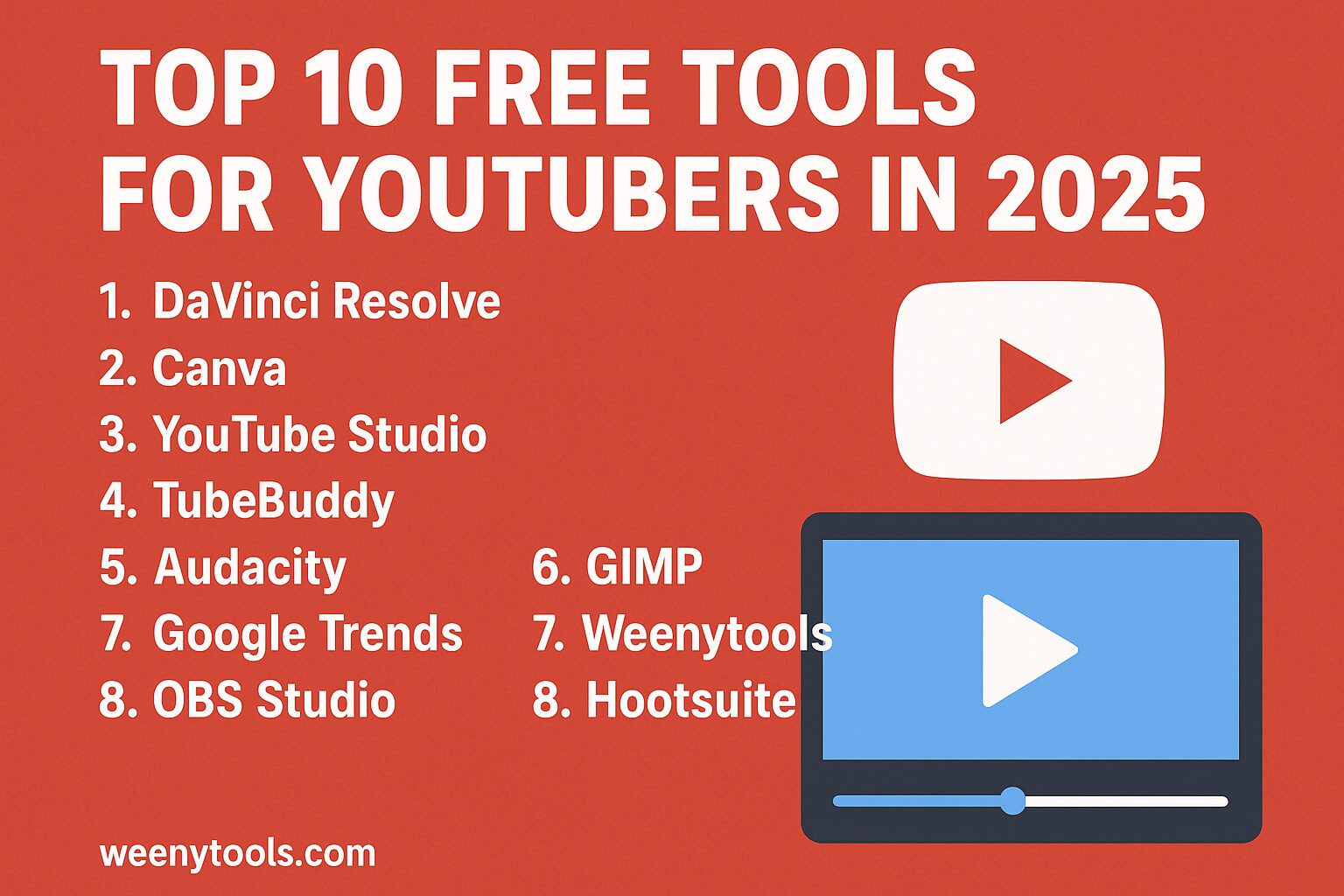
You can successfully grow and expand your YouTube channel even if you don’t have access to large budgets or expensive resources. By utilizing a variety of reliable and completely free tools designed for different aspects of content creation, such as video editing, audio enhancement, thumbnail design, search engine optimization (SEO), and performance analytics, you can achieve impressive results. This comprehensive guide provides a carefully curated list of ten highly effective tools that will be useful throughout the year 2025. For each tool listed, you will find detailed information about its primary functions, the best situations or stages in the content creation process when it should be used, and any limitations or restrictions you should be aware of to set realistic expectations.
Try this quick task
Want to download a thumbnail fast? Use our free YouTube Thumbnail Downloader. It helps you analyze top thumbnails and copy what works. Open Tool
Why free tools matter in 2025
- You cut startup costs and test ideas quickly.
- You learn core skills before buying premium tools.
- You can scale gradually while keeping quality high.
SEO keywords used in this post: free tools for YouTubers to enhance their content creation, YouTube thumbnail downloader for easy access, best free tools 2025 for video creators, effective YouTube SEO strategies, video editing free options for beginners and professionals alike.
Top 10 free tools and how to use them
1. DaVinci Resolve
Use it for advanced edits and detailed color grading to elevate your projects. It is especially well-suited for creators aiming to achieve professional, cinematic results that stand out.
Pros
- Professional editing suite
- Advanced color tools
Cons
- High learning time
- Needs a strong PC
2. Canva
Fast and easy thumbnail and channel art creator designed to help you produce stunning visuals quickly. Utilize a variety of customizable templates to streamline your workflow and save valuable time while ensuring professional-quality results.
Pros
- Drag and drop
- Many free templates
Cons
- Some elements are paid
3. YouTube Studio
Official dashboard designed for comprehensive analytics and efficient video management. Monitor detailed metrics such as watch time, various traffic sources, and audience retention rates to gain deeper insights into viewer engagement and content performance.
4. TubeBuddy
Utilize this powerful tool specifically designed for conducting thorough and comprehensive keyword research, along with generating highly relevant tag suggestions, all directly within YouTube Studio. This approach will significantly enhance your video optimization efforts, helping you reach a wider audience and improve your content’s visibility on the platform.
5. Audacity
Clean your audio thoroughly to enhance its quality. Remove unwanted background noise and interference to ensure clarity. Normalize the audio levels to maintain consistent volume throughout the entire track, resulting in a more polished and professional sound.
6. GIMP
This free image editor is specifically designed to cater to the needs of users who require advanced thumbnail creation and detailed graphic work. It provides an extensive array of features and tools that are suitable for both beginners who are just starting out and professionals who demand precision and creativity in their thumbnail enhancements. With this tool, users can effortlessly elevate their image editing tasks to a higher level of quality and detail.
7. Google Trends
Discover the topics that people are currently searching for at this very moment. Utilize region-specific filters to uncover localized ideas and trends that are relevant to particular areas or communities. This approach allows you to gain insight into what is popular or in demand in specific regions, helping you tailor content or strategies to meet local interests and needs more effectively.
8. WeenyTools YouTube Thumbnail Downloader
Easily grab high-definition thumbnails from any video to closely study important elements such as composition, text, and color schemes. This tool allows you to quickly extract and analyze thumbnails, enabling you to efficiently test and iterate different thumbnail designs and experiments at a much faster pace than usual.
Open Downloader – No signup required
9. OBS Studio
Effortlessly record your screens while efficiently managing live streams with a wide range of advanced control features designed for smooth operation. Seamlessly configure and switch between multiple scenes, capturing a variety of sources to produce highly detailed tutorials and engaging, immersive gameplay recordings that stand out.
10. Hootsuite Free Plan
Schedule your promotion posts in advance to maintain a consistent presence and keep your audience engaged across multiple platforms. By planning and timing your content strategically, you can ensure your followers remain active and interested, boosting your overall reach and interaction.
How to pick the right tools for your channel
- Choose one editing tool to focus on initially. Dedicate time to mastering it thoroughly before moving on. Gradually incorporate additional tools as you become more comfortable and confident in your editing skills.
- Utilize Google Trends to strategically plan the timing of your topics by identifying patterns and spikes in audience interest. This will help you create content that aligns with what people are currently searching for and interested in.
- Take advantage of our thumbnail downloader to easily copy successful thumbnail designs and formats. Afterward, use design programs like Canva or GIMP to customize and create eye-catching thumbnails that attract viewers.
- Make it a habit to use YouTube Studio every day to monitor important metrics such as viewer retention and click-through rates. Regularly tracking these analytics will enable you to understand your audience better and optimize your content for improved performance.
Practical workflow example
Try this simple workflow to publish a polished video in one day. You control every step.
- Research topic in Google Trends, pick a keyword with rising interest.
- Record using OBS or camera. Keep clips short and clear.
- Edit in DaVinci Resolve or a simpler editor if you prefer speed.
- Clean audio in Audacity. Export as WAV or high quality MP3.
- Create thumbnail in Canva. Test two versions.
- Upload in YouTube Studio. Use TubeBuddy suggestions for tags and title.
- Promote using Hootsuite. Post in communities and on social media.
Quick thumbnail test form
Paste a YouTube video link here to quickly fetch the thumbnail image associated with the video. This convenient tool will open in a new browser tab for easy access. Get Thumbnail Now
Tip: Use the video URL or the video ID. The tool supports both.
SEO and internal links
Internal links play a crucial role in helping search engines effectively map and understand the structure of your website. It is important to use descriptive anchor text that clearly indicates the content of the linked page. Always link to pages that are relevant and provide additional value to the user.
Use the phrase free tools for YouTubers in headings and first paragraph. Place the keyword naturally in the title, meta, and first 150 words.
FAQ
Do these tools cost anything?
You can use core features for free. Some tools offer paid upgrades. Start with free tiers and upgrade only when needed.
Can I use downloaded thumbnails in my videos?
Use downloaded thumbnails for study and inspiration. Create your own final image. Respect copyright and fair use rules.
Which tool is best for beginners?
Start with Canva and YouTube Studio. Add Audacity for audio. Move to DaVinci Resolve when you want more control.Quick checklist
- Pick one editing tool to master first.
- Use thumbnail tests to improve CTR.
- Track retention in YouTube Studio every week.
Need custom help?
Contact our team if you want tailored advice for your channel. We can review thumbnails, titles, and upload strategy.Contact Us
If you run a brand or agency, we can propose a tested workflow and bulk thumbnail templates for your channels.
Sources and tools mentioned are public and widely used in 2025. Use the links above to visit each tool. For privacy and legal terms see our Privacy Policy and Terms.


